
Before resetting your password, please take note that the following features will be prohibited for 24 hours after amending your login password:
- Crypto and Fiat Withdrawals
- Internal Transfers
You can consult the guide below to learn how to reset your Bybit TR account password.
When Logged In
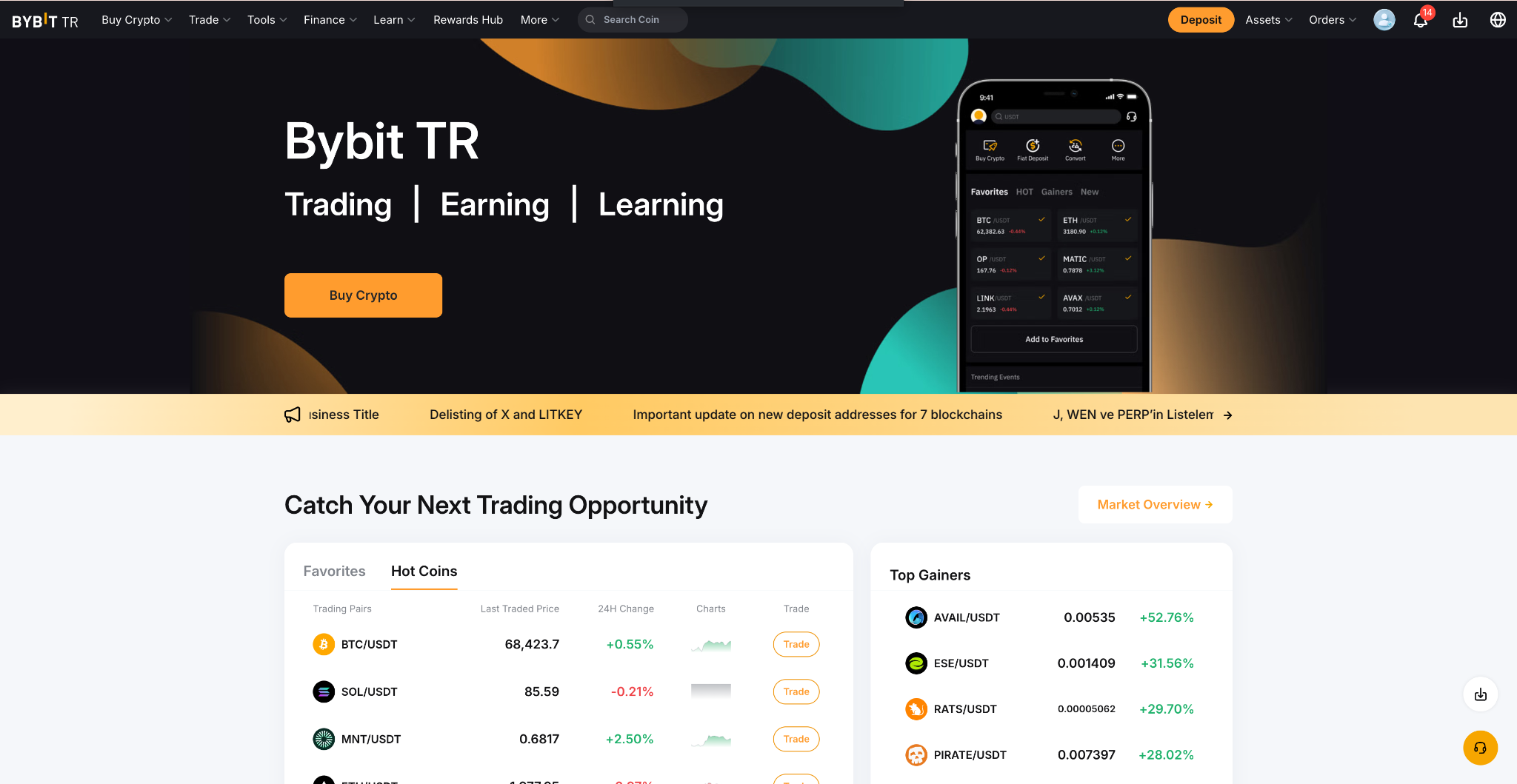
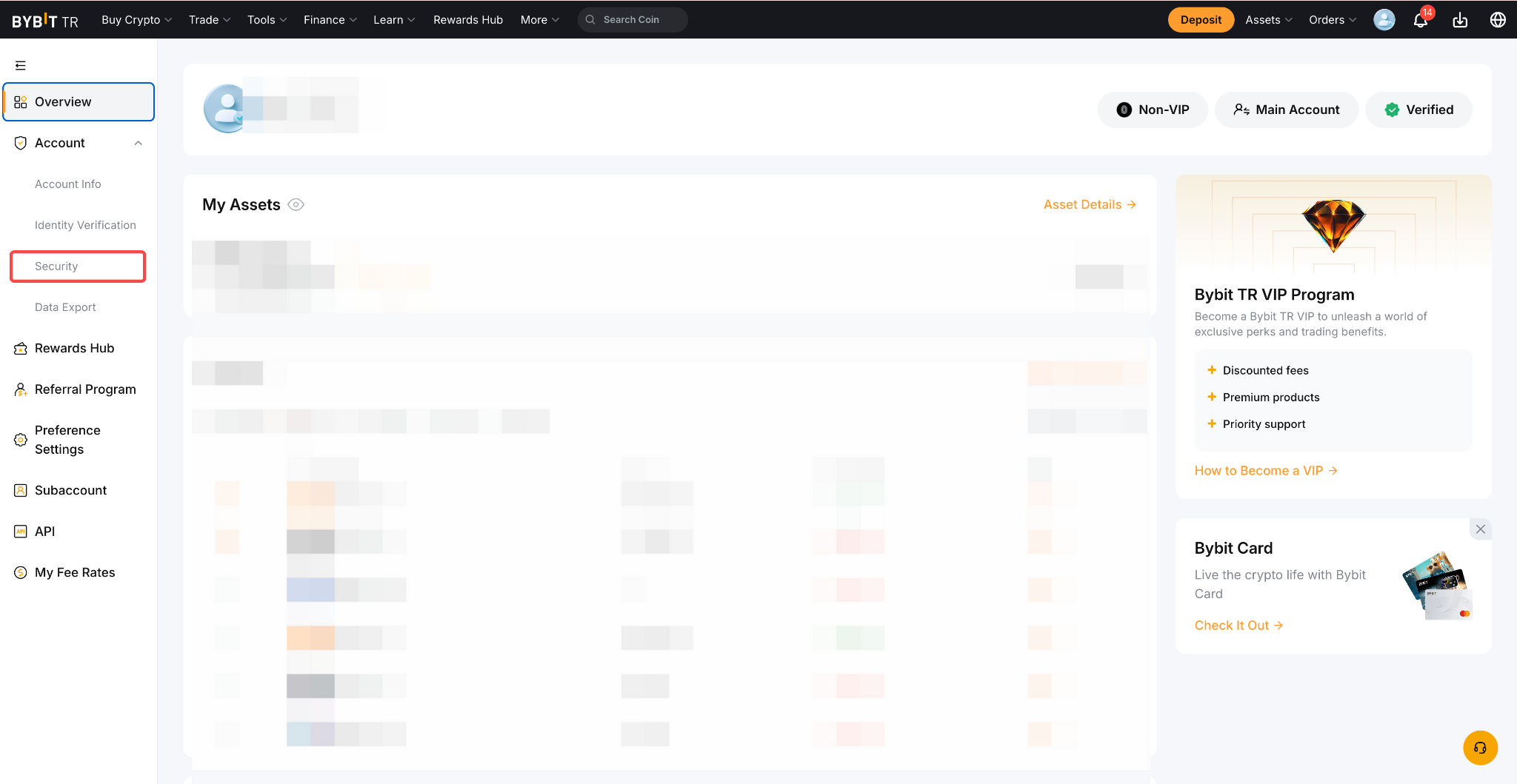
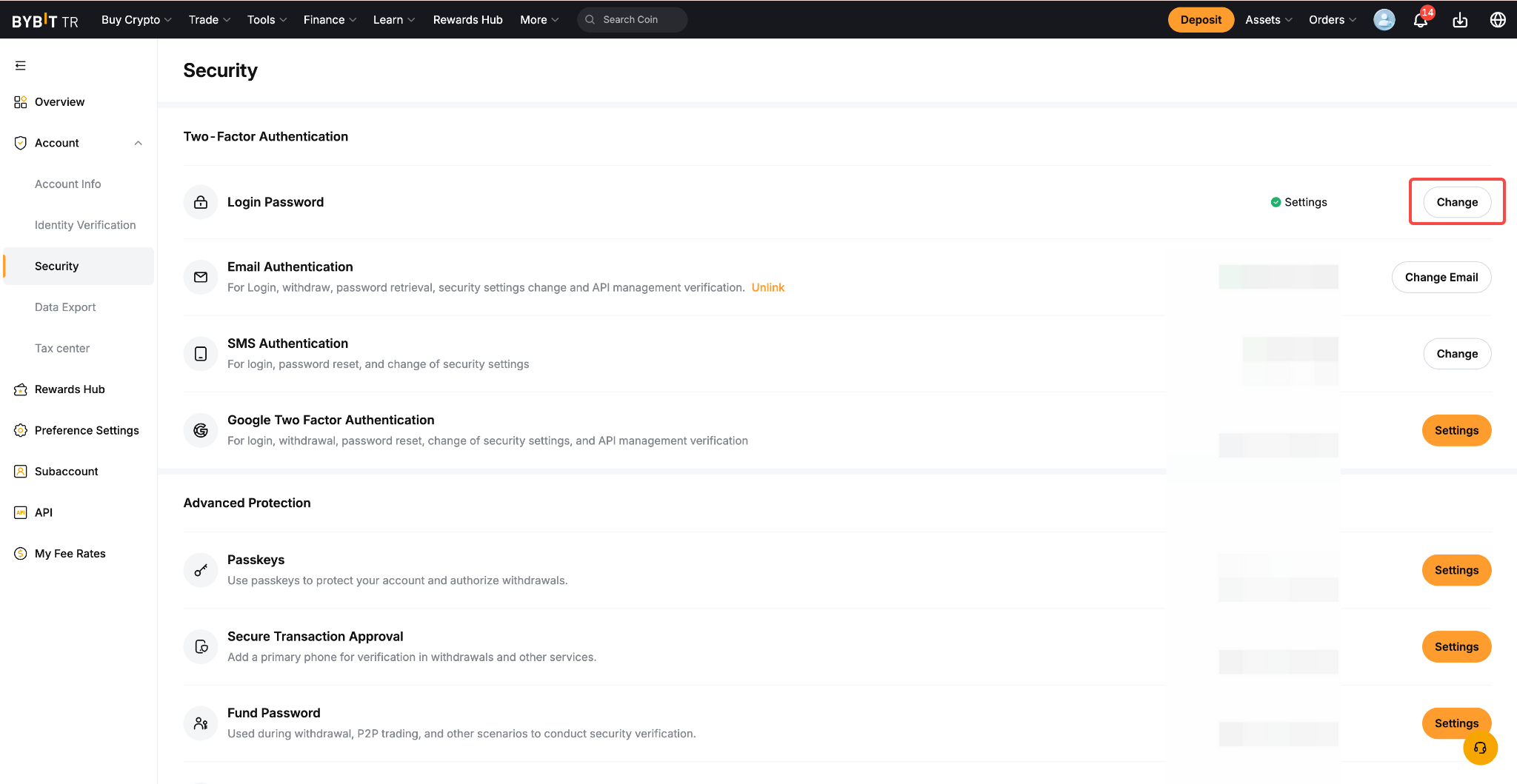
Step 1: If you are logged into your account and would like to reset your password, please click on your Profile Icon → Security → Change Password.
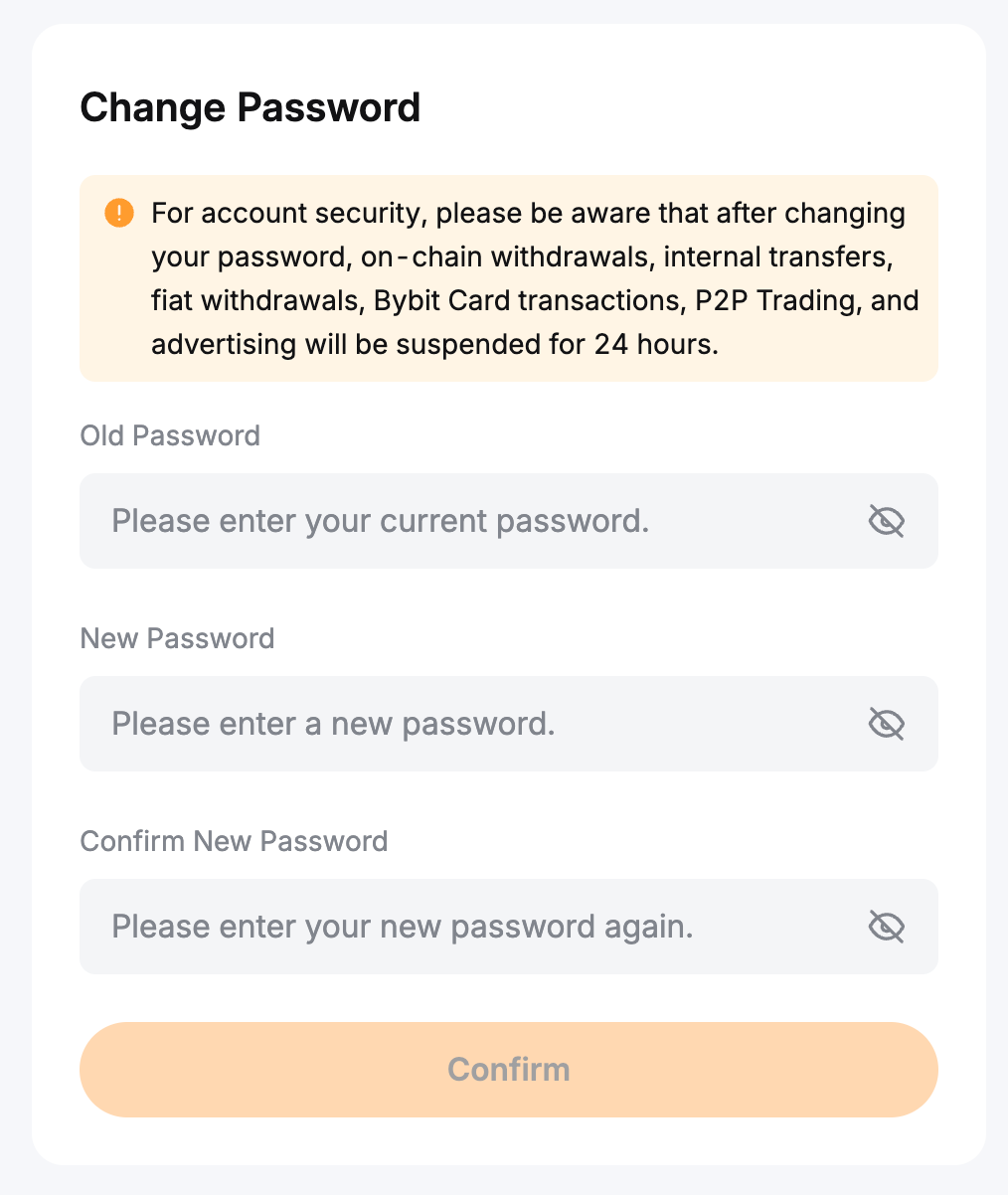
Step 2: Enter your old password and your new password, then click Confirm. As a security measure, enter your Google verification code to complete the password reset.
Please note that if you are still connected to your Bybit account but have forgotten your password, you will need to log out of your account and follow the steps below.
When Logged Out
Step 1: On Bybit TR Homepage, click on Log In. Once on the login page, tap on Forgot Password.

Step 2: Enter the email address or phone number you used to register your Bybit TR account and tap on Next to proceed.
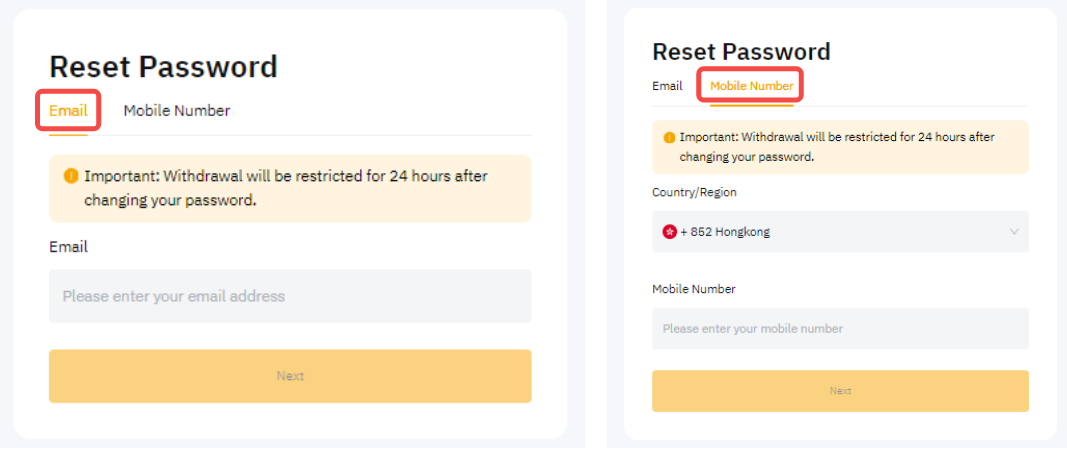
Step 3: To securely change your account password, enter the email/SMS verification code sent to your email address or mobile number.

Notes:
— If you have permanently lost your email address, phone number or Google Authentication, please tap on ‘Having problems with verification?’ to reset your security option. You can follow this guide for more details. Please note that this feature is supported on Bybit’s App version 4.39 and above.

— Please ensure to enter your email/SMS verification code first before typing in your Google verification code.
— If you encounter issues with receiving a verification code, please refer to the guides below:
- Troubleshooting: Unable to Receive SMS Verification Code
- Troubleshooting: Unable to Receive Email Verification Code
- How to Recover Your Google Authenticator Code
Step 4: You can now enter a new password that will be used to connect to your account. To ensure the safety of your account, please make sure to use a complex password and do not communicate it to others. Click on Confirm once done.
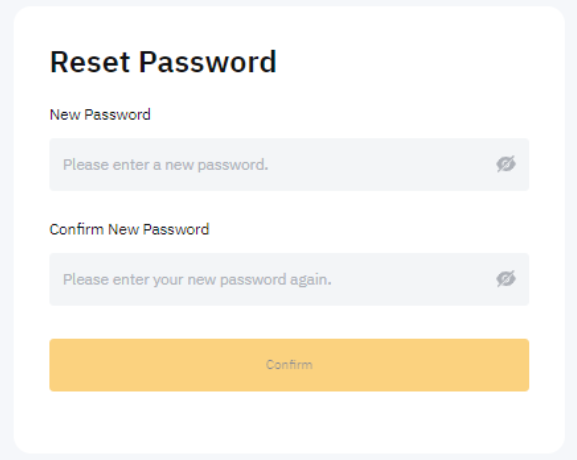
You have successfully reset your password! You can now use it to login to your account again.